
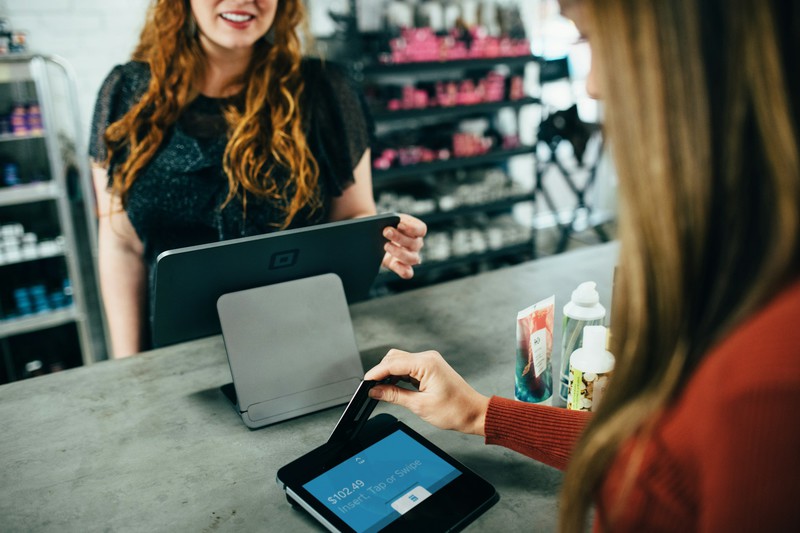
The price on a pricing page is rarely the full cost of a salon point-of-sale system.
Most salons pay for three separate things: the software subscription, the hardware, and payment processing. Add-ons for marketing, payroll, extra staff, additional locations, or marketplace bookings can raise the total further.
Payment processing is often the largest expense. A salon processing $12,000 per month in card payments handles $144,000 per year. Before fixed per-transaction fees, a 2.3% rate costs $3,312 per year, while a 3.5% rate costs $5,040—a difference of $1,728.
This guide compares ten salon POS systems using published U.S. pricing, processing terms, hardware requirements, and the type of business each platform is designed to serve. It also explains when a salon management system plus your existing card reader may be the better choice.
Disclosure: MyCuts is our own product. It is salon management software, not a payment processor. We have kept that distinction clear throughout this comparison.
Pricing and features were checked in August 2026. Providers can change prices, promotions, processing rates, and contract terms, so verify the complete written quote before purchasing.
In this guide
- Do you actually need a salon POS system?
- What salon POS systems actually cost
- The 10 best salon POS systems to compare in 2026
- How to choose a POS system by salon type
- Six things to check before you buy
- Frequently asked questions
Do you actually need a salon POS system?
A full point-of-sale system usually does three jobs:
- Takes the payment: accepts cards, handles tips, splits payments, and may store cards for deposits or no-show fees.
- Records the sale: tracks what was sold, by whom, at what price, and when.
- Tracks what you sold: updates retail inventory and may calculate product usage, tips, or staff commissions.
Many salon owners assume those three jobs must come from one provider. That is convenient for some businesses, but it is not always necessary or economical.
You probably need a full salon POS if:
- You sell retail products at meaningful volume.
- You need tips or commissions calculated across a team.
- You regularly reconcile a front-desk register against appointments and retail sales.
- You operate multiple locations and need centralized sales reporting.
- You want deposits, cards on file, and no-show fees tied directly to booking and checkout.
- You want payment, inventory, and sales data reconciled automatically in one platform.
You might not need a full salon POS if:
- You are a solo stylist, booth renter, or mobile beauty professional.
- You already have a card reader and processing arrangement you are happy with.
- Retail sales are a small sideline rather than a major revenue stream.
- Your main problems are scheduling, online booking, client history, reminders, and inventory records.
- You do not need card transactions imported and reconciled automatically.
If that second list sounds more familiar, compare the cost of an all-in-one POS with the cost of keeping your current payment processor and adding focused salon management software.
Where MyCuts fits

MyCuts is salon management software, not a payment processor. It handles appointment scheduling, online booking, client management, inventory tracking, reminders, and reporting.
Payments remain with Square or another external processor. MyCuts records appointment totals and retail sales that you enter and updates inventory records, but it does not process, import, or automatically reconcile external card transactions.
That can make MyCuts a practical fit for a solo stylist, booth renter, or small salon that already has a card reader and wants predictable software costs. MyCuts itself adds no payment-processing percentage; your external processor still charges its own fees.
MyCuts plans start with Free at $0 for up to 100 appointments, 25 clients, one staff member, and email notifications. Starter is $4.99 per month for up to 2,500 appointments and 100 clients. Standard is $14.99 per month and adds unlimited appointments and clients, online booking, text notifications, and marketing tools for one staff member. Premium is $24.99 per month and supports unlimited staff.
If you need checkout and payment reconciliation inside the same system, compare the ten POS platforms below. If you do not, the MyCuts Free plan lets you test the management side without entering a card.
What salon POS systems actually cost
Software subscriptions
Salon software is sold under several pricing models:
- Per location: one price for each salon location, sometimes with staff limits.
- Per staff member: the monthly bill grows as the team grows.
- Tiered plans: higher plans unlock additional users or features.
- Custom quotes: software, hardware, payment processing, and contract terms are negotiated together.
A low starting price does not necessarily mean a low total price. Check whether online booking, reminders, marketing messages, payroll, reports, extra calendars, and support are included or sold separately.
Payment processing
To compare payment costs honestly, use the same assumptions for every provider:
Monthly processing cost = card volume × percentage rate + transaction count × fixed fee + monthly or network fees.
The fixed fee matters because salons with lower average tickets complete more transactions for the same card volume. Transaction type matters too: online, card-on-file, manually entered, and card-present payments can have different rates.
For example, assume 120 in-person transactions averaging $100 each, or $12,000 in monthly card volume. Under Square's published rates, Free would cost about $330 in processing, Plus about $318 in processing plus its $49 subscription, and Premium about $306 in processing plus its $149 subscription. That example excludes hardware, taxes, online payments, chargebacks, and other services. It shows why a lower processing rate does not automatically make a higher software tier cheaper.
Hardware
A phone-based tap-to-pay setup may need no dedicated terminal. A front desk may need a reader, receipt printer, cash drawer, tablet, stand, or full register. Ask whether the hardware is purchased, financed, leased, or included only while you maintain a contract. Also confirm whether existing equipment is compatible.
Salon POS systems at a glance
| Platform | Published software pricing | Published payment terms |
|---|---|---|
| Square Appointments | Free $0; Plus $49; Premium $149 per location/month | In person: 2.6% + 15¢, 2.5% + 15¢, or 2.4% + 15¢ by plan |
| Clover | Quote required | Varies by bundle and sales channel |
| GlossGenius | $28, $56, or $168 monthly; lower equivalent price with annual billing | 2.6% across transaction types |
| Vagaro | Promotional base price of $23.99/month for one calendar; added calendars cost extra | Published small- and large-merchant rate schedules, plus applicable fees |
| Fresha | $19.95/month for Independent or $14.95 per bookable team member | In person: 2.29% + 20¢; other transaction types differ |
| DaySmart Salon | Published plans from $29 to $199/month; top tier is quote-only | Processing rate requires a quote |
| Booksy | $29.99/month for the first user; $20 for each additional user | Reader payments: 2.49% + 10¢; other transaction types differ |
| Mangomint | $120/month per location plus $10 per active user | Integrated processing quote required; outside processing has feature limits |
| Boulevard | $176, $293, or $410 per location/month before annual discount | Starts at 2.65% |
| Lightspeed Retail | $89, $149, or $289 per outlet/month with annual billing | Quote required; published rates vary |
The 10 best salon POS systems to compare in 2026
There is no single best platform for every salon. The useful question is which system best matches your team size, appointment workflow, retail volume, payment mix, and appetite for marketplace fees or contracts.
1. Square Appointments
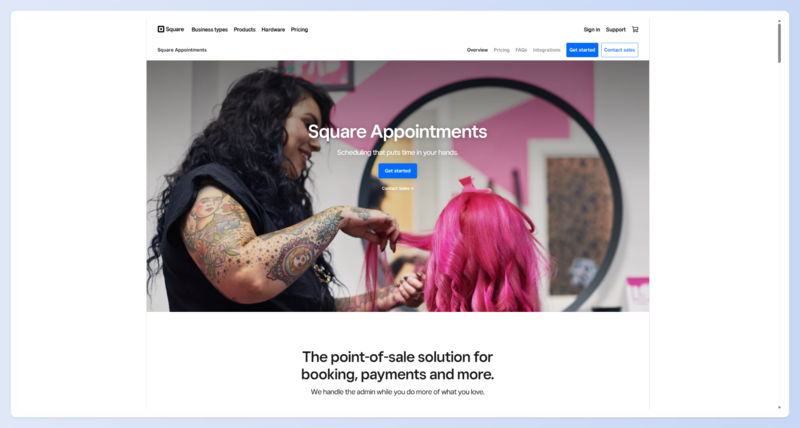
Best for: Salons that want familiar payment hardware, integrated scheduling, and a $0 subscription option.
Published pricing: Square Appointments Free is $0 per location, Plus is $49 per location per month, and Premium is $149. In-person processing is 2.6% + 15¢ on Free, 2.5% + 15¢ on Plus, and 2.4% + 15¢ on Premium. Online and manual-entry rates are higher. Plus and Premium offer 30-day trials.
What stands out: Square combines appointments with its broader payment, invoicing, hardware, reporting, and retail ecosystem. The Free plan supports unlimited staff calendars, and Square Go gives eligible U.S. beauty businesses a consumer marketplace profile. Hardware ranges from a $59 contactless reader to a $299 terminal and an $899 register.
Tradeoffs: Square is a general-purpose platform. Some beauty-specific capabilities, including service-cost tracking for back-bar expenses, sit on higher plans. Compare the plan price and your mix of in-person, online, and card-on-file payments rather than assuming the free tier will always have the lowest total cost.
View Square Appointments pricing.
2. Clover
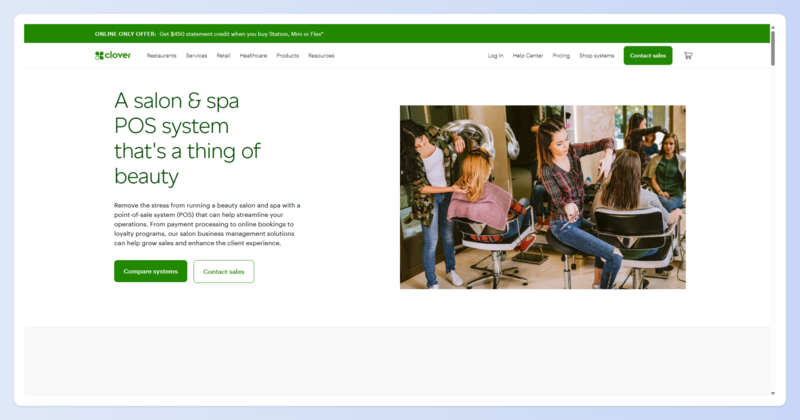
Best for: Businesses that want dedicated countertop or handheld POS hardware and are comfortable reviewing a custom sales quote.
Published pricing: Clover's current personal-services pricing requires a quote. Hardware, software, processing rates, and contract terms can vary by bundle and sales channel.
What stands out: Clover offers purpose-built readers, handheld devices, and countertop registers. Its Standard and Advanced personal-services bundles include client online booking, email and text reminders, cancellation or no-show fees, detailed sales reports, inventory tracking, employee logins, and shift management.
Tradeoffs: The Basic personal-services bundle does not include appointment management. Clover is sold both directly and through partners, so two quotes can differ even when the hardware looks similar. Ask for the processing schedule, hardware ownership arrangement, recurring fees, and termination terms in writing. Some promotions have multi-year commitments, but that does not mean every Clover account has the same contract.
View Clover personal-services pricing.
3. GlossGenius
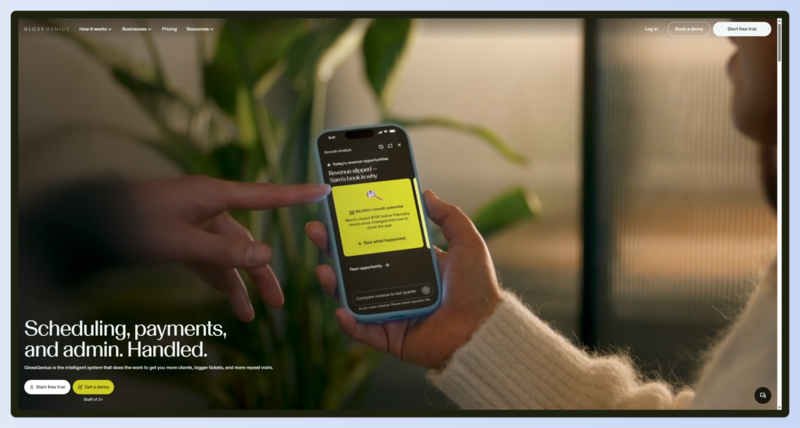
Best for: Independent beauty professionals and small teams that want straightforward processing and a mobile-led booking and checkout experience.
Published pricing: Standard is $28 monthly or the equivalent of $24 per month with annual billing. Gold is $56 monthly or $48 with annual billing. Platinum is $168 monthly or $148 with annual billing. Payment processing is a flat 2.6% across in-person, Tap to Pay, card-on-file, and manually entered transactions. A 14-day trial is available without a card.
What stands out: The platform combines booking, payments, a customizable website, reminders, client management, forms, marketing, and reporting. Standard supports two total account members, Gold supports up to nine, and Platinum supports unlimited members. Data transfer is available at no charge.
Tradeoffs: GlossGenius is designed around mobile workflows, although essential tools and web checkout are available in a browser. Some features remain app-only. A reader is not automatically free: the Tap & Go Reader is currently $49, while eligible Gold and Platinum accounts may receive a first-reader discount. Tap to Pay can avoid dedicated hardware.
4. Vagaro
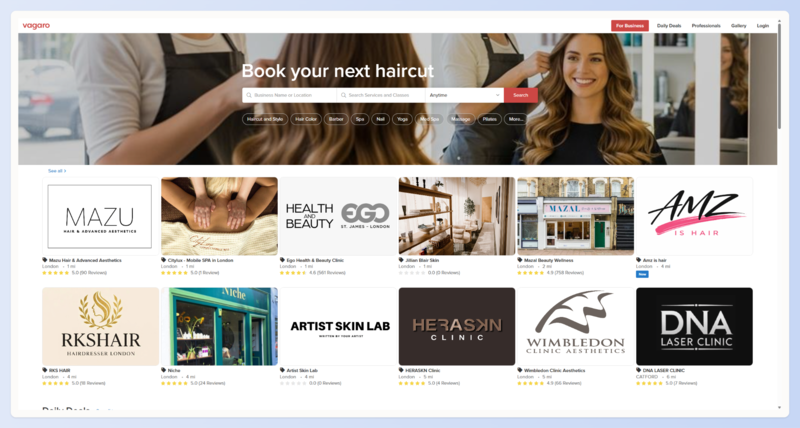
Best for: Salons that want a broad set of booking, marketplace, inventory, reporting, payroll, and marketing options in one ecosystem.
Published pricing: Vagaro currently advertises a limited-time U.S. base price of $23.99 per month for one calendar. Each additional employee calendar costs $10 per month through seven calendars, after which additional employee calendars are included. Optional products such as text marketing, a custom website, payroll, and file storage add to the monthly total.
Payment processing: For merchants processing under $4,000 per month, the published card-present rate is 2.6% + 10¢. For merchants over $4,000 per month, it is 2.29% + 19¢, plus a $10 monthly fee and applicable card-network location fees. Keyed and Tap to Phone transactions use different rates.
What stands out: Vagaro includes online booking, POS, inventory, reports, commission and payroll reporting, and a consumer marketplace. That breadth can reduce the number of separate tools a service business needs.
Tradeoffs: The final cost depends on calendars, add-ons, payment volume, transaction type, and network fees. Vagaro bills monthly and allows the account owner to cancel in settings, but payments are generally non-refundable. Model your own total instead of comparing only the promotional base price.
View Vagaro plans and pricing.
5. Fresha
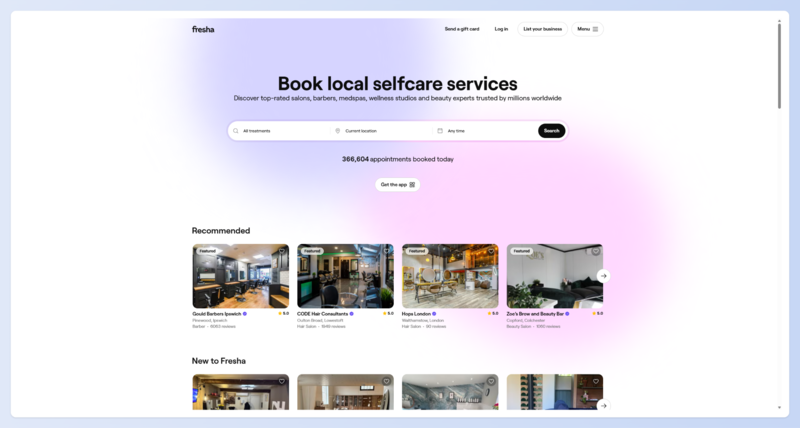
Best for: Independent professionals and teams that want beauty-specific software, integrated payments, and optional marketplace discovery.
Published pricing: Independent is $19.95 per month. Team is $14.95 per month for each bookable team member. Fresha offers a seven-day trial. In-person processing is 2.29% + 20¢, online processing is 2.79% + 20¢, and manually entered payments are 3.30% + 20¢. Tap to Pay adds a 10¢ authorization fee. Terminals start at $139.
What stands out: Fresha combines scheduling, client management, payments, inventory, marketing tools, and marketplace exposure. Businesses can also take direct bookings from their own website, Google profile, and social channels.
Tradeoffs: Fresha charges a one-time 20% commission, with a $6 minimum, when a brand-new client discovers and books the business through the Fresha Marketplace. It does not apply that new-client fee to returning clients or direct bookings. Optional products such as AI Concierge, Client Loyalty, Data Connector, and some support services add to the bill. Import existing clients before listing on the marketplace so they are recognized correctly.
6. DaySmart Salon
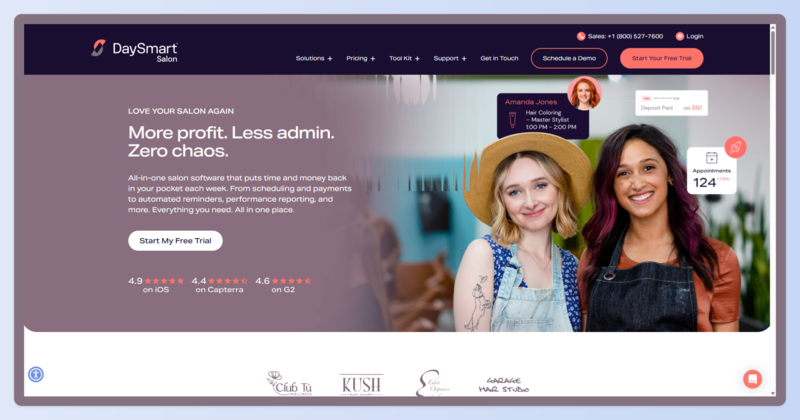
Best for: Salons that want industry-specific scheduling, client records, formulas, inventory, and payment options with a relatively low published starting price.
Published pricing: Basic is $29 per month for one user, Deluxe is $69 for three users, Deluxe Growth is $149 for three users, and Premium is $199 for six users. Premium Growth is quote-only and supports unlimited users. Extra users cost $9 per month where the plan allows them. A 14-day trial is available without a card.
What stands out: Basic includes online booking, appointment confirmations, integrated payments, and online deposits. DaySmart documents salon-specific tools including client formulas and inventory usage. Higher tiers add more marketing, reporting, and team capabilities.
Tradeoffs: Advanced payroll and commission tracking are on the quote-only Premium Growth plan, not the $29 Basic plan. Payment-processing rates and hardware costs require a quote, so commission-based salons should confirm the required tier before comparing totals.
7. Booksy
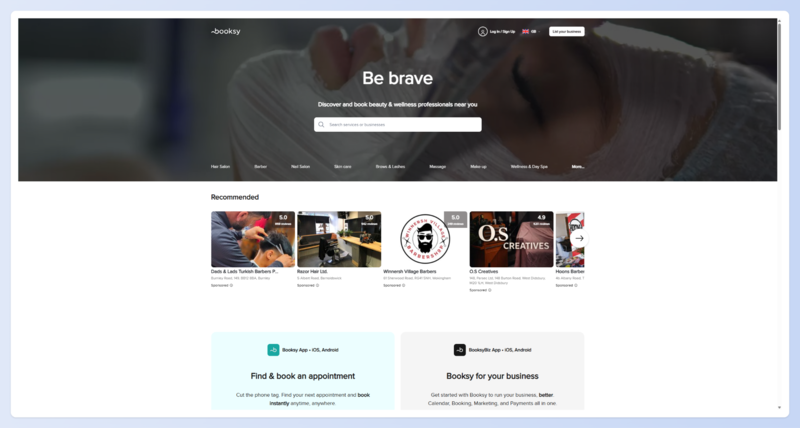
Best for: Barbers and beauty professionals who want business software plus visibility in a consumer booking marketplace.
Published pricing: Booksy costs $29.99 per month plus tax for the first user and $20 per month for each additional user. The core subscription includes the software features, while payment processing and hardware cost extra. A 14-day trial is available without a card or long-term commitment.
Payment processing: Booksy Card Reader transactions are 2.49% + 10¢, Tap to Pay is 2.49% + 20¢, and mobile, card-on-file, or manually entered transactions are 2.69% + 30¢. Published reader prices are $53.10 for a Stripe Reader M2 and $219.85 for a WisePOS E, plus shipping.
What stands out: Booksy combines scheduling, client communication, payments, business tools, and a consumer marketplace that can help professionals get discovered.
Tradeoffs: Per-user pricing grows with the team. Booksy Boost is optional, but while enabled it charges a one-time 30% commission on a new Boost client's first completed visit. It does not charge that commission on later visits or clients acquired through the business's own profile link.
8. Mangomint
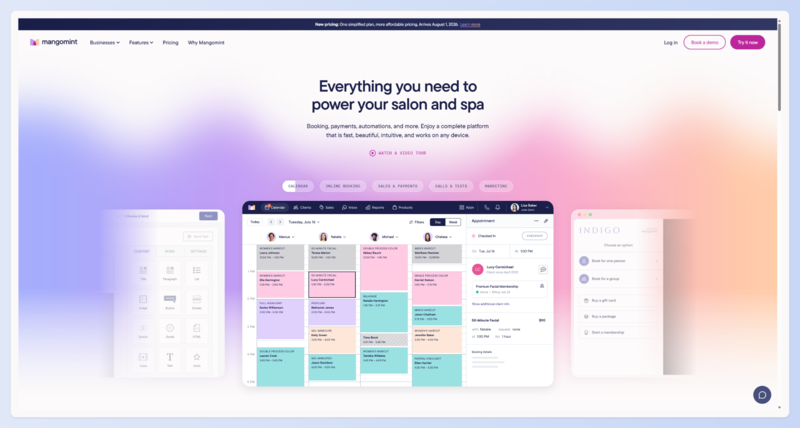
Best for: Salons and spas that want streamlined front-desk and team workflows, with core features included in a predictable location-and-user model.
Published pricing: As of August 1, 2026, Mangomint costs $120 per month per location plus $10 per active user. The previous Essentials, Standard, and Unlimited plans have been retired. Marketing starts at $30 per month, phone service is $70 per line, and payroll is $50 per payroll account plus $8 per worker.
What stands out: Core features include Forms, Express Booking, memberships, Virtual Waiting Room, integrations, and optional HIPAA capability after signing a business associate agreement. Mangomint offers a 21-day trial without a card, free onboarding and data transfer, and no long-term contract.
Tradeoffs: An outside card processor may be used, but doing so removes integrated features such as cards on file, online deposits, Express Booking, self-checkout, and automatic membership payments. Ask Mangomint for the integrated processing and hardware quote before comparing the total.
View Mangomint's August 2026 pricing update.
9. Boulevard
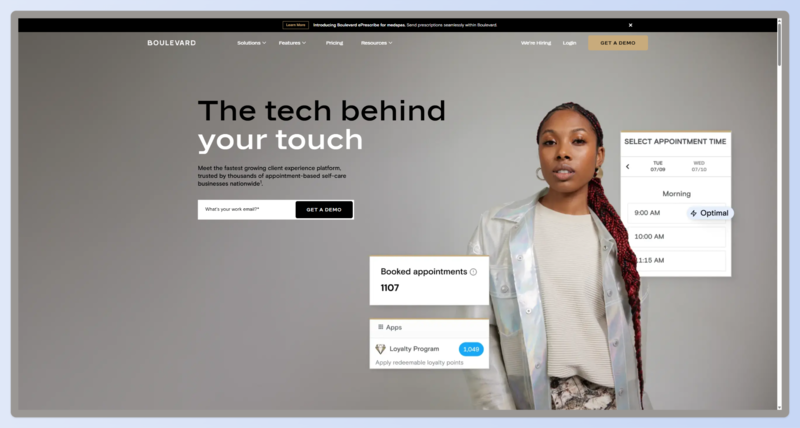
Best for: Established salons and spas that prioritize premium client experiences, front-desk workflows, and team operations.
Published pricing: Boulevard's normal monthly list prices are $176 per location for Essentials, $293 for Premier, and $410 for Prestige. Annual billing saves 10%. Essentials supports up to five professionals; Premier and Prestige support unlimited professionals.
Payment processing: Card processing starts at 2.65%. Boulevard Offset can lower the business-paid portion to 1%, but it does so by adding a 3% credit-card fee for the client. Integrated checkout requires the $149 Boulevard Duo reader, a compatible iPad, and a computer.
What stands out: Boulevard combines booking, checkout, client management, forms, memberships, marketing, and reporting. Its inventory tools cover both retail and professional-use products, including product consumption associated with appointment services.
Tradeoffs: Boulevard's starting price is higher than many small-business options, and payment hardware has additional device requirements. Its public page offers both monthly and annual billing, so compare the actual term, implementation needs, add-ons, and processing quote rather than relying on a temporary promotion.
10. Lightspeed Retail
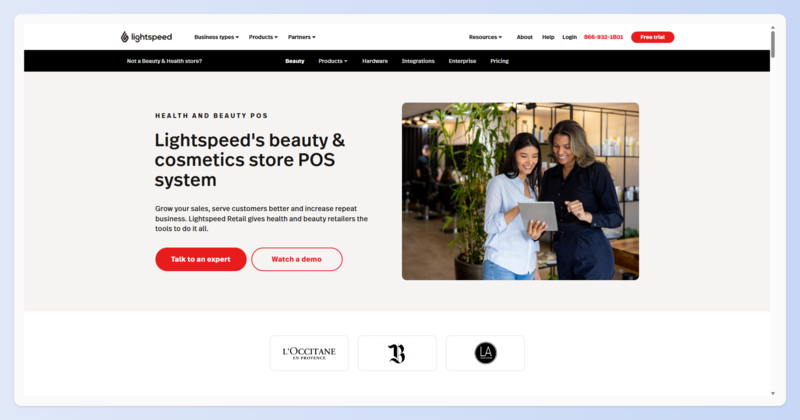
Best for: Salons with substantial retail operations that are prepared to pair a retail POS with separate salon scheduling software.
Published pricing: Lightspeed Retail starts at $89 per month for Basic, $149 for Core, and $289 for Plus when billed annually. Pricing is per outlet. One register license is included, while additional outlets and registers cost extra.
What stands out: Lightspeed's strength is retail management: supplier catalogs, purchase orders, landed-cost tracking, forecasting, multi-location stock, and product-focused reporting.
Tradeoffs: It is not salon-specific scheduling software. A salon may need a separate booking and client-management system, which adds cost and creates another integration to manage. The U.S. pricing page currently advertises a 1.5% card-present rate with Lightspeed Payments, while another official Lightspeed page displays different pricing. Obtain the complete processing and hardware quote in writing rather than treating 1.5% as guaranteed.
View Lightspeed Retail pricing.
Other salon platforms worth comparing
Phorest, Zenoti, and Meevo are also worth considering when you need more operational depth, but their current U.S. pricing requires a sales conversation.
- Phorest publishes four quote-only plans with unlimited staff and devices. It targets growing salons and medspas, offers a demo rather than a self-service free trial, and includes migration, setup, and training.
- Zenoti uses custom pricing for its booking, POS, payments, payroll and commission, inventory, marketing, and multi-location management products. Communications usage can be billed separately.
- Meevo publishes Lite, Essentials, Premier, and Enterprise plan structures but requires a quote. Lite supports five users, while Essentials and Premier support unlimited users. Meevo's public information references different term options in different places, so confirm the contract length before signing.
How to choose a POS system by salon type
Best POS system for a hair salon
Hair salons should look for processing-time handling, multi-service appointments, color or formula notes, inventory usage, and commission rules that match the way the team is paid. DaySmart offers salon-specific capabilities at a lower published starting price, while Vagaro covers a broad mix of appointments, inventory, reporting, marketplace, and payroll options. Mangomint and Boulevard are stronger candidates when team and front-desk workflows justify a higher monthly cost.
If you already have payment processing and mainly need scheduling, client history, inventory, and sales records, compare those full POS costs with MyCuts salon management features.
Best POS system for a nail salon
Nail salons often have high appointment volume and lower average tickets. That makes the fixed cents charged on every transaction especially important. Compare total fees using your actual number of monthly transactions, not just the percentage rate.
GlossGenius can suit an independent nail professional who values simple payment pricing. Fresha may appeal to a team that values marketplace discovery, while Square can work well for a business with a mix of appointments and walk-ins. Confirm turn tracking, tip pooling, and technician commission rules if those are essential to your operation.
Best POS system for a barbershop
Barbershops usually need fast checkout, straightforward tipping, recurring-client tools, and clear chair or commission reporting. Booksy is worth comparing if consumer marketplace visibility matters. Square offers per-location plans rather than per-barber subscription pricing, while Clover may appeal to shops that prioritize dedicated handheld or countertop hardware.
Best POS system for a beauty salon
Beauty salons often combine services and retail, so inventory, reordering, appointment scheduling, and staff reporting should be tested together. Vagaro and DaySmart both cover service and retail workflows, while Mangomint provides a more premium team-focused option. Solo professionals who do not need integrated payments may find that management software plus an existing card reader covers the work at a lower fixed cost.
Best POS system for a spa
Spas should pay particular attention to rooms, equipment, concurrent resources, forms, packages, memberships, and multi-provider services. Mangomint and Boulevard are designed for more involved service workflows, and Zenoti is worth a quote for multi-location operations. Square offers resource management on Premium, but test the exact booking workflow before committing.
Medical spas should also evaluate privacy, security, and regulatory requirements directly with each vendor. A general marketing statement is not a substitute for the agreements and controls your business needs.
Six things to check before you buy
1. What is the total cost under your real numbers?
Use your actual staff count, locations, monthly card volume, transaction count, average ticket, and mix of in-person and online payments. Add software, processing, hardware, add-ons, card-network fees, marketplace commissions, and implementation costs.
2. Will you own, finance, lease, or subscribe to the hardware?
A low upfront cost can hide a long commitment. Ask for the outright purchase price, financing term, replacement policy, and what happens to the hardware if you cancel the software or payment account.
3. Can you keep your current payment processor?
Some platforms require their own processor. Others allow an outside processor but disable cards on file, deposits, self-checkout, memberships, or other integrated features. Ask what changes before assuming that bringing your own processor preserves the full product.
4. Does it handle tips, commissions, and chair arrangements correctly?
Tip pooling, booth rent, service commissions, retail commissions, hourly pay, and blended arrangements all work differently. Request a demonstration using your real compensation rules. A feature labeled "commission reporting" may exist only on a higher plan.
5. What data can you export if you leave?
Ask about client contact details, appointment history, service notes, formulas, photos, inventory, gift cards, memberships, and sales records. Confirm the export format, timing, cost, and whether access changes immediately after cancellation.
6. Are all transaction types charged at the advertised rate?
Card-present pricing usually gets the headline. Online booking deposits, cards on file, keyed payments, invoices, Tap to Pay, and chargebacks may cost more. Request a complete processing schedule and compare it with how your salon actually collects money.
Frequently asked questions
How much does a salon POS system cost?
Among the systems in this guide, published software subscriptions range from $0 to $410 per location per month before annual discounts, extra users, add-ons, hardware, and payment processing. Quote-only platforms may fall outside that range. The largest ongoing expense is often processing, so calculate the total using your own sales and transaction data.
What is the difference between salon POS software and salon booking software?
Booking software manages calendars, appointments, clients, and reminders. POS software accepts payments and records checkout transactions. Many products combine the two, but the balance differs: some are payment platforms with scheduling added, while others are salon-management platforms with integrated payments.
Do I need a POS if I am a solo stylist or booth renter?
Not always. If you already have a card reader and mainly need online booking, scheduling, client history, reminders, inventory, and sales records, separate salon management software may be enough. A full POS becomes more useful when you need payment, tips, retail, commissions, deposits, and reconciliation tied together automatically.
Can I use my own card reader with salon software?
Sometimes. Some salon platforms require integrated processing, while others allow an outside reader with reduced functionality. MyCuts does not process payments, so it is specifically designed to work alongside whichever external payment method you choose. Always confirm whether outside processing affects deposits, cards on file, memberships, or checkout reports.
Is a free salon POS really free?
A $0 software plan can still generate payment-processing, hardware, chargeback, messaging, or marketplace costs. Square Appointments Free has no monthly software subscription, but every processed payment still carries a fee. Compare the full monthly total and the features you need, not only the subscription line.
Which salon POS system should you choose?
Start with the business problem, not the longest feature list:
- Compare Square if you want a familiar general-purpose POS with a free software tier.
- Compare Clover if dedicated hardware is a priority and you are comfortable negotiating a complete quote.
- Compare GlossGenius if you are an independent beauty professional or small team that values mobile workflows and simple processing.
- Compare Vagaro or Fresha if marketplace visibility is part of your client-acquisition strategy.
- Compare DaySmart when salon-specific tools and a lower published starting price matter.
- Compare Booksy if you serve a marketplace-oriented barbering or beauty audience.
- Compare Mangomint or Boulevard when team, front-desk, and client-experience workflows justify a higher fixed cost.
- Compare Lightspeed when retail inventory is important enough to run a retail-first POS alongside separate salon booking software.
If what you actually need is scheduling, online booking, client history, reminders, inventory, and a record of appointment and retail sales—while continuing to take payments through your existing processor—that is where MyCuts fits.
Start with MyCuts Free for up to 100 appointments and 25 clients. No card is required.